
|
Getting your Trinity Audio player ready...
|
Heading tags do two things at once: they help readers scan your content, and they help Google understand the structure of your page. In 2026, with AI Overviews extracting structured answers from search results, heading tags SEO is one of the strongest signals for getting cited. This guide covers the heading tags SEO fundamentals, how to use H1, H2, and H3 correctly, and the structural mistakes that hurt rankings. For broader context, see our complete on-page SEO guide.
What Are Heading Tags?
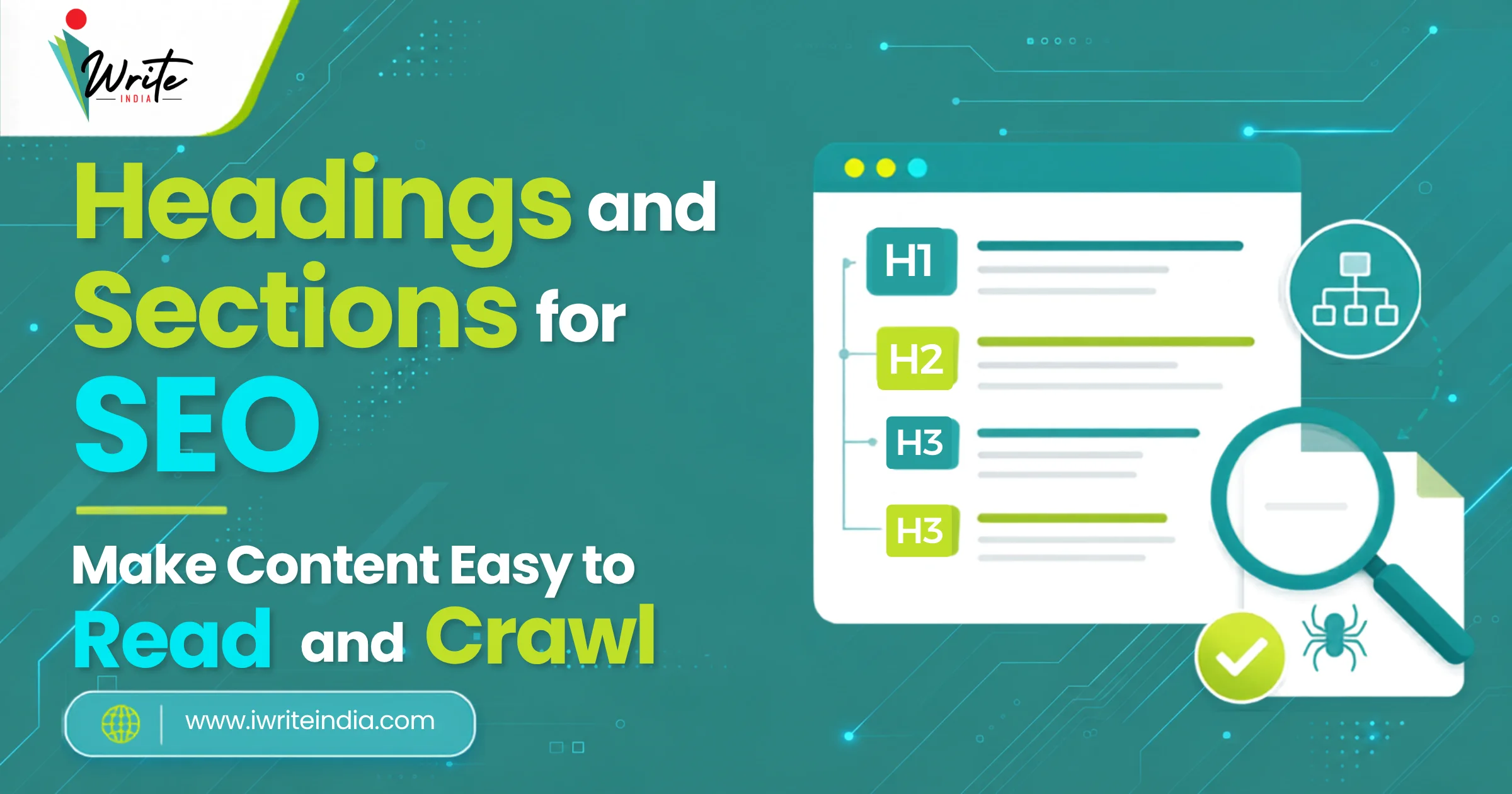
Heading tags are HTML elements (H1 through H6) used to define the structural hierarchy of content on a web page. H1 is the main heading; H2 marks major sections; H3 marks sub-sections; H4 to H6 are used for finer detail. Together, they create an outline of your content that browsers display, screen readers announce, and search engines parse to understand what each section covers.
<h1>Page Title</h1><h2>Major Section</h2><h3>Sub-Section</h3>
Why Heading Tags SEO Matters in 2026
Headings work as ranking and citation signals in three connected ways. First, Google uses them to understand topic hierarchy and what your page is about. Second, users use them to scan and decide if the page answers their question. Third, AI engines like Google AI Overviews and ChatGPT pull structured content from clear heading sections to cite as answers. Pages with clean hierarchy outperform pages with flat or chaotic structure across all three surfaces.
Heading Tag Best Practices

Use One H1 Per Page
The H1 is the main heading. Every page should have one, and only one, H1 that reflects the page’s primary topic. Use the H1 to match the search intent the page targets, and include the primary keyword naturally. Multiple H1s confuse both readers and Google about what the page is actually about.
Use H2s for Major Sections
Break your content into clear sections with H2 headings. Each H2 should mark a distinct sub-topic that supports the main page topic. For SEO and AI extraction, frame H2s as questions or descriptive statements that match how people actually search.
Use H3s for Sub-Sections
Within each H2, use H3s to break down detail. Examples include sub-categories, steps within a process, or specific examples. Keep H3 use logical; do not overuse them just to add formatting.
Do Not Skip Heading Levels
Stay sequential: H1, then H2, then H3, and so on. Skipping from H1 directly to H4 breaks the structural hierarchy that Google and screen readers depend on. Sequential nesting also helps AI engines extract structured answers more accurately.
Use the Primary Keyword in the H1 and at Least One H2
Place the primary keyword in the H1 once, and in at least one H2. Use related keywords and questions in other H2s and H3s. Do not stuff keywords into every heading; this triggers spam signals.
Make Headings Descriptive, Not Clever
Google and AI engines extract meaning from text, not from wit. “How Long Does SEO Take?” is a stronger heading than “The Waiting Game”. Clarity wins clicks, citations, and rankings.
Match Heading Length to Content
Aim for 6 to 12 words per heading. Headings that are too short feel vague; headings that are too long get cut off in tables of contents, mobile views, and AI extraction snippets.
Common Heading Mistakes That Hurt SEO
| Mistake | Why It Hurts | How to Fix |
|---|---|---|
| Multiple H1s on one page | Confuses Google about page topic | Use exactly one H1 per page |
| No H1 at all | Google can’t identify main topic | Add a clear H1 with the primary keyword |
| Skipping heading levels | Breaks structural hierarchy | Use sequential nesting: H1 to H2 to H3 |
| Using headings for styling only | Headings should mark sections, not just look big | Use CSS for styling; reserve headings for structure |
| Keyword stuffing in every heading | Triggers spam signals | Use primary keyword in H1 and one H2 only |
| Vague or clever headings | Reduces clarity for users and AI | Be descriptive, not creative for its own sake |
| Overuse of H4 to H6 | Adds noise without value | Stick to H1, H2, H3 for most content |
| Headings that don’t match section content | Bounce rate rises; AI extraction fails | Each heading must accurately describe its section |
How Heading Tags SEO Helps AI Search Visibility
AI engines like Google AI Overviews, ChatGPT search, and Perplexity look for clearly structured content to cite as answers. Pages with descriptive H2s are extracted far more often than pages with vague headings. This works hand-in-hand with strong title tags, meta descriptions, and internal linking.
Final Thought

Heading structure is one of the simplest on-page SEO levers to fix, and one of the most undervalued. Clean hierarchy improves readability, rankings, and AI visibility all at once. The mistakes are common; the fixes take minutes per page.
If you want a structured audit of your heading hierarchy across every page on your site, iWrite India’s SEO services in Delhi handle it as part of every on-page SEO engagement.
Frequently Asked Questions
Q1. How Many H1 Tags Should Be on a Web Page?
Exactly one. Every page should have a single H1 that reflects the main topic and includes the primary keyword. Multiple H1s confuse Google and weaken topical signals. The HTML5 spec allows multiple H1s in some sectioning cases, but for SEO clarity, stick to one.
Q2. Does Skipping From H1 to H4 Hurt SEO?
Yes, indirectly. Skipping heading levels breaks the structural hierarchy that Google, screen readers, and AI engines depend on. It signals careless content structure. Stay sequential: H1, then H2, then H3, and so on.
Q3. Should I Include Keywords in Every Heading?
No. Use the primary keyword in the H1 and at least one H2. Use related keywords and questions in other H2s and H3s naturally. Stuffing keywords into every heading triggers spam signals and reads unnaturally.
Q4. Do Heading Tags Affect Rankings Directly?
Yes, but as part of broader content structure signals rather than as a standalone ranking factor. Clear headings help Google understand page topic and hierarchy, which influences relevance scoring. Pages with clean structure consistently outperform pages with flat or chaotic structure.
Q5. How Do Headings Help With Google AI Overviews?
AI engines like Google AI Overviews extract structured content from clearly defined heading sections. Pages with descriptive, question-led H2s and H3s are cited more often than pages with vague or missing headings. Strong heading structure is one of the highest-leverage moves for AI search visibility.
Q6. Can I Use the Same Heading Twice on a Page?
Avoid it. Repeated headings confuse both readers and AI extraction. Each heading should describe a distinct section. If two sections cover similar ground, consider whether they should be merged or differentiated more clearly.