
|
Getting your Trinity Audio player ready...
|
Your URL is one of the first things Google and users see before they decide to click. A clean, descriptive URL structure signals relevance, builds trust, and supports rankings. A messy URL with numbers, parameters, or session IDs does the opposite. This guide covers what URL structure is, what makes a URL SEO-friendly, and the mistakes that cost traffic. For broader context, see our complete on-page SEO guide.
What Is URL Structure?
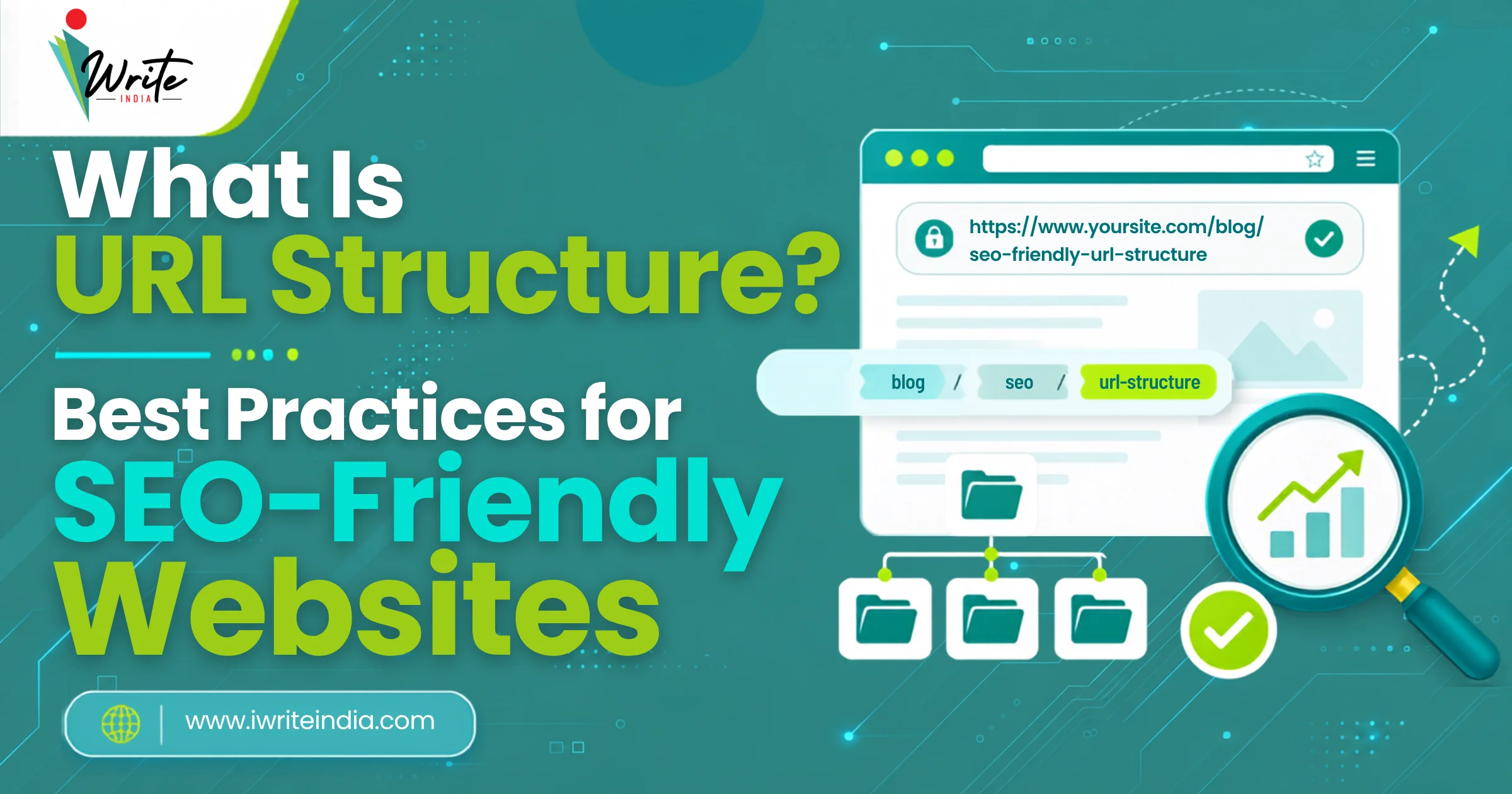
URL structure refers to how the web addresses on your site are organised. A URL has several parts: the protocol (https), the domain (iwriteindia.com), the path (/blog/seo-friendly-url-structure/), and sometimes parameters. SEO-friendly URL structure means each part is intentional, readable, and matches the page’s actual topic and place within your site.
SEO-Friendly URL Best Practices

1. Use Lowercase Letters Only
URLs are case-sensitive on most servers. Mixing upper and lower case can create duplicate URL versions of the same page, which split ranking authority. Stick to lowercase to keep things clean and consistent.
2. Use Hyphens Between Words
Google treats hyphens as word separators. Underscores are treated as joiners, which can hide individual keywords from Google. Use hyphens, not underscores or spaces, between words in your URL.
3. Keep URLs Short
Aim for 3 to 5 words in the URL slug. Short URLs are easier to read, share, and remember, and they tend to have higher CTR in SERPs. Long URLs get truncated and look spammy.
4. Include the Primary Keyword
Your URL is one of the strongest places to place your primary keyword. It signals topical relevance to Google and matches the page’s content for users. Use the keyword once, naturally, near the start of the slug.
5. Avoid Numbers, Dates, and IDs
Dates make URLs look outdated quickly. IDs and parameters look spammy and provide no value to users or Google. Use descriptive slugs that reflect the topic, not internal database identifiers.
6. Reflect Your Site Hierarchy
Use folder structure that reflects the page’s place in your site: /services/seo-agency-in-delhi/ for service pages, /blog/post-title/ for blog content. Clear folder structure supports breadcrumbs, internal linking, and Google’s understanding of topical relationships.
URL Examples: Weak vs Strong
| Page Type | Weak URL | Strong URL |
|---|---|---|
| Blog Post | iwriteindia.com/p?id=234 | iwriteindia.com/blog/on-page-seo/ |
| Service Page | iwriteindia.com/srv1/page-a | iwriteindia.com/services/seo-agency-in-delhi/ |
| Product Page | shop.in/product?sku=AX-9981 | shop.in/products/leather-laptop-bag/ |
| Location Page | iwriteindia.com/loc/locA | iwriteindia.com/services/delhi/web-development/ |
| Category Page | shop.in/?cat=23 | shop.in/category/mens-shoes/ |
Common URL Structure Mistakes That Hurt SEO
| Mistake | Why It Hurts | How to Fix |
|---|---|---|
| URLs with parameters and IDs | Hard to read; spammy appearance | Rewrite to clean, descriptive slugs |
| Mixed case in URLs | Creates duplicate versions of pages | Use lowercase only across the site |
| Underscores between words | Treated as joiners; hides keywords | Use hyphens instead |
| Very long URL slugs | Lower CTR; truncated in SERPs | Limit to 3 to 5 words |
| Dates in blog URLs | Looks outdated quickly | Avoid dates; keep slugs evergreen |
| Stop words bloating the URL | Adds length without value | Drop words like “a”, “the”, “of” when removing them keeps meaning |
| URLs that don’t reflect hierarchy | Weakens topical structure signals | Use logical folder structure |
| Changing URLs without 301 redirects | Breaks rankings, backlinks, and bookmarks | Always 301 from old URL to new |
How to Change a URL Without Losing SEO
Changing a URL without proper redirects is one of the fastest ways to lose rankings overnight. When you change a slug, every backlink pointing to the old URL breaks, and Google has to re-discover the new page from scratch. Here’s the safe process.
- Plan the new URL using best practices above
- Set up a 301 redirect from the old URL to the new one
- Update all internal links pointing to the old URL
- Update the URL in your XML sitemap
- Submit the new URL in Google Search Console
- Monitor rankings and traffic for 4 to 6 weeks
Done right, URL changes preserve SEO authority. Done wrong, they undo months of work. If you are restructuring URLs across a site, see our internal linking for SEO best practices guide as well.
Final Thought

URL structure is one of those quiet SEO levers that does not get talked about often, but separates pages that compound traffic from pages that struggle to be discovered. Clean URLs cost nothing to write correctly the first time, and a structured cleanup can lift site-wide rankings over a few months.
If you are auditing or restructuring URLs across your site, iWrite India’s SEO services in Delhi and website development services handle URL strategy, redirect mapping, and migration safely.
Frequently Asked Questions
Q1. What Makes a URL SEO-Friendly?
An SEO-friendly URL is short (3 to 5 words), lowercase, uses hyphens between words, includes the primary keyword, reflects the site’s hierarchy, and avoids numbers, dates, and session IDs. Clean URLs help both Google and users understand the page topic at a glance.
Q2. Should I Include Keywords in My URL?
Yes, once and naturally. The URL is one of the strongest places to signal page topic to Google. Include the primary keyword near the start of the slug. Do not stuff multiple keywords; one is enough.
Q3. Does URL Length Affect SEO Rankings?
Indirectly, yes. Short URLs are easier to read, share, and click. They also tend to have higher CTR in SERPs. Studies show shorter URLs correlate with better rankings, though correlation is not causation. Stay around 3 to 5 words in the slug.
Q4. Should I Use Hyphens or Underscores in URLs?
Hyphens. Google treats hyphens as word separators, which helps it identify individual keywords. Underscores are treated as joiners, which can hide keywords from Google. Always use hyphens between words in URLs.
Q5. Can I Change a URL Without Losing Rankings?
Yes, but only with proper 301 redirects from the old URL to the new one. Without redirects, you lose all rankings and backlinks pointing to the old URL. Always plan URL changes carefully and monitor rankings for 4 to 6 weeks after the change.
Q6. Should Dates Appear in Blog URLs?
Generally, no. Dates make URLs look outdated quickly, even when you update the content. Keep blog URLs evergreen by using just the topic slug. WordPress users often inherit dated URLs from default permalink settings; change this in WordPress settings to a clean structure like “/blog/%postname%/”.